
Why this site exists
You’re staring at a blue screen, a frozen app, or a manual that might as well be written in another language. You’ve tried the usual fixes—restarting, Googling, hoping—and nothing works. The problem isn’t just the device. It’s the way tech support makes you feel like you’re the one who’s broken.
This site exists for the people who want answers that don’t involve waiting on hold or reading between the lines of a corporate troubleshooting guide. No fluff, no upsells, no assumptions about what you already know.
Just the steps that actually fix things, explained like you’re talking to someone who’s been there.
Who writes this site

Loretta Rasmussen runs Device How-To.
Do you test everything on the same hardware?
No. I use whatever’s in front of me—a 2015 laptop, a desktop that’s seen better days, and a tablet that keeps dropping Wi-Fi. If it works for me, it’ll work for someone else. If not, I’ll say so.
What’s the one thing you’ve gotten wrong that still bothers you?
A guide on resetting a BIOS password that assumed the user had a floppy drive. It got 12,000 views before I caught it. I left it up for a week as a warning.
Why no guides on Apple hardware?
I don’t own one. I’ve used them, but this site is about the tools I actually fix. If you’re on a Mac, you’re on your own—or you’ll find someone else’s site. No apologies.
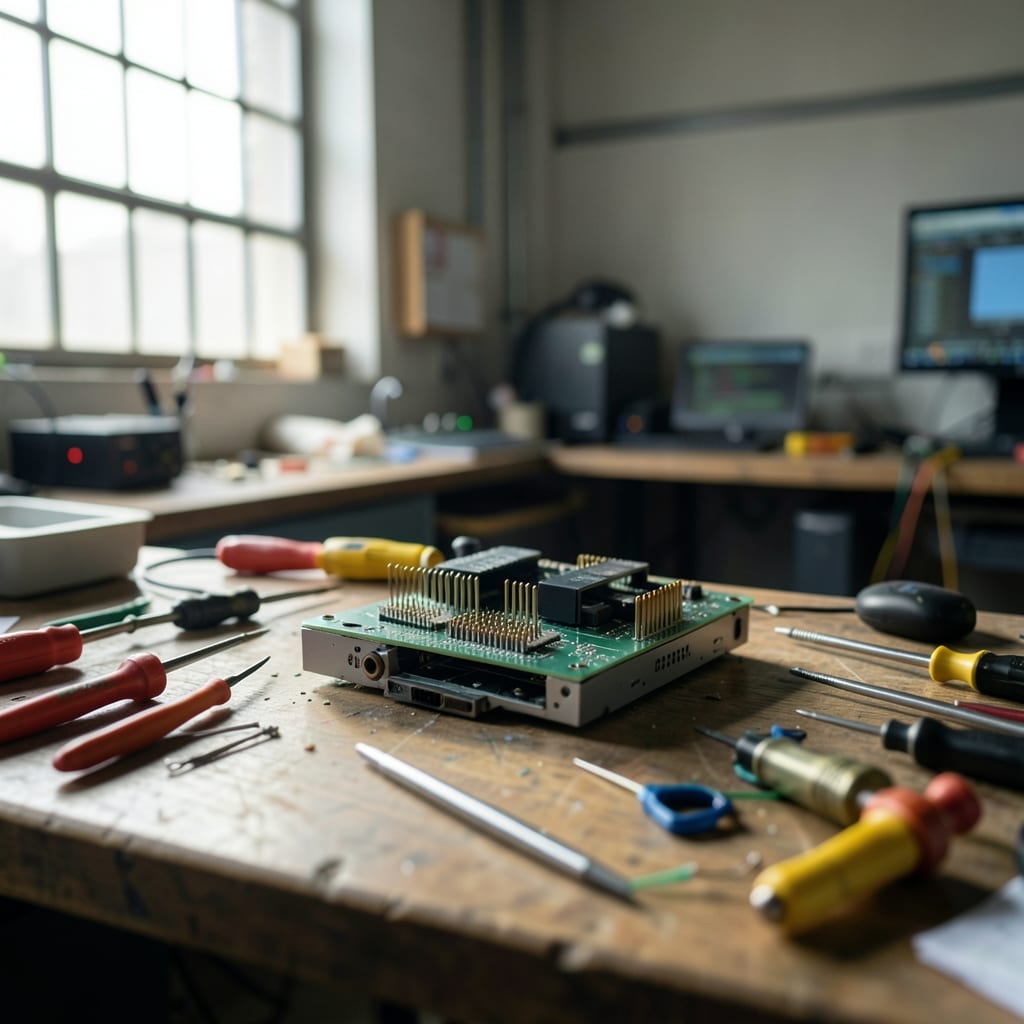
My desk has a coffee stain from 2019, a USB hub that’s held together with duct tape, and a notepad where I scribble commands before I forget them. The tape’s held longer than most of my guides.
How a guide is built
It starts with a problem I can’t solve in under ten minutes. If it takes longer, I write it down. Then I try every fix I know—including the ones that *shouldn’t* work—until something does. If nothing does, I admit it.
The first attempt

I follow the official steps first. If they fail, I note where. A Windows update that bricks a driver? I’ll say so. A Linux command that works in theory but not in practice? I’ll include the workaround—and why it’s ugly.
The second attempt
Then I break it again. On purpose. I unplug the power, force a shutdown, or install something incompatible just to see what happens. If the fix survives that, it’s worth writing about.
What we will not do
We won’t pretend every problem has a solution. We won’t ignore hardware limits. And we won’t act like tech support is optional.
Things you will never find here
- ‘Just buy a new [device].’ We’ll tell you why that’s a bad idea before we suggest it.
- Step-by-step screenshots for every OS version ever made. If your screen looks different, you’re on your own.
- Affiliate links to ‘recommended’ products. If we mention a tool, it’s because it works—not because we get paid.
- Guides that assume you’re comfortable with command lines. We’ll explain the alternatives.
Where to start
If your device is frozen, start with the Troubleshooting section. If you’re setting something up, check Beginner Guides. Can’t find what you need? Search for the error message—we’ve written about most of them.
Say hello
I like hearing about the weirdest fixes that actually worked. Or the times a guide here saved someone’s day. The contact page has the details.
The guides are grouped by category: App, Coding, Hardware, Operating System, Outlook and PowerPoint.