Skip to content
Device How-To

Device How-To

  • All Articles
  • App
  • Coding
  • Hardware
  • More
    • Microsoft Office
    • Operating System
    • Outlook
    • PowerPoint
    • Review
    • Software
    • Tip & Trick
    • Troubleshooting
    • Windows

PowerPoint

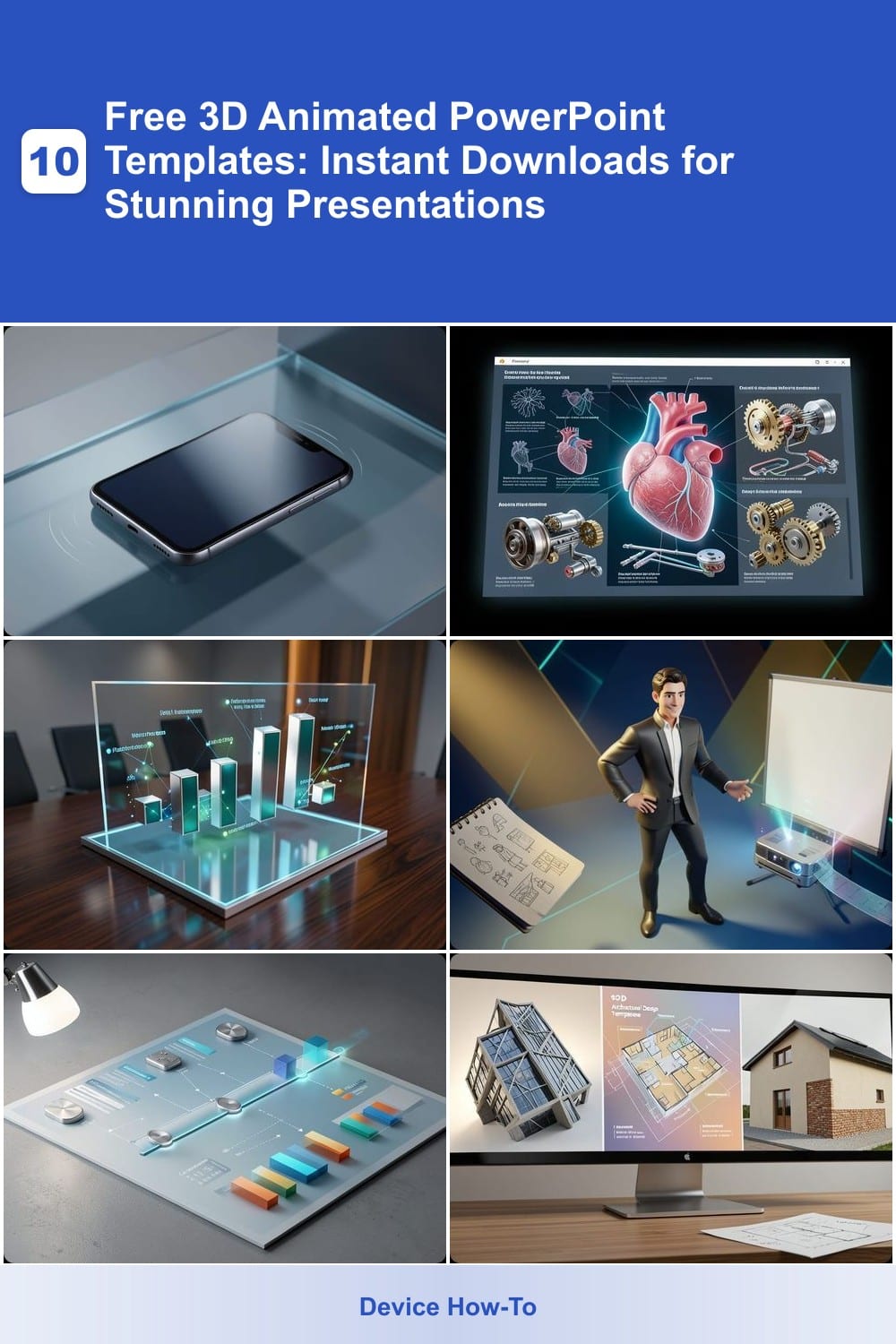
10 Free 3D Animated PowerPoint Templates: Instant Downloads for Stunning Presentations
November 6, 2026 by Loretta Rasmussen
10 Free 3D Animated PowerPoint Templates: Instant Downloads for Stunning Presentations

Elevate your presentations instantly with these 10 free 3D animated PowerPoint templates. Perfect for business professionals, educators, and creatives, these downloadable designs add dynamic visual appeal without…

Read more

Categories PowerPoint

How to Download PowerPoint on iPad: One-Tap Access Without the Tech Hassle

October 9, 2026 by Loretta Rasmussen
How to Download PowerPoint on iPad: One-Tap Access Without the Tech Hassle

Downloading PowerPoint on your iPad is the fastest way to turn slideshows into polished presentations on the go. ⚡ I’ve helped dozens of users—from students to executives—skip the frustration of app store glitches and…

Read more

Categories PowerPoint

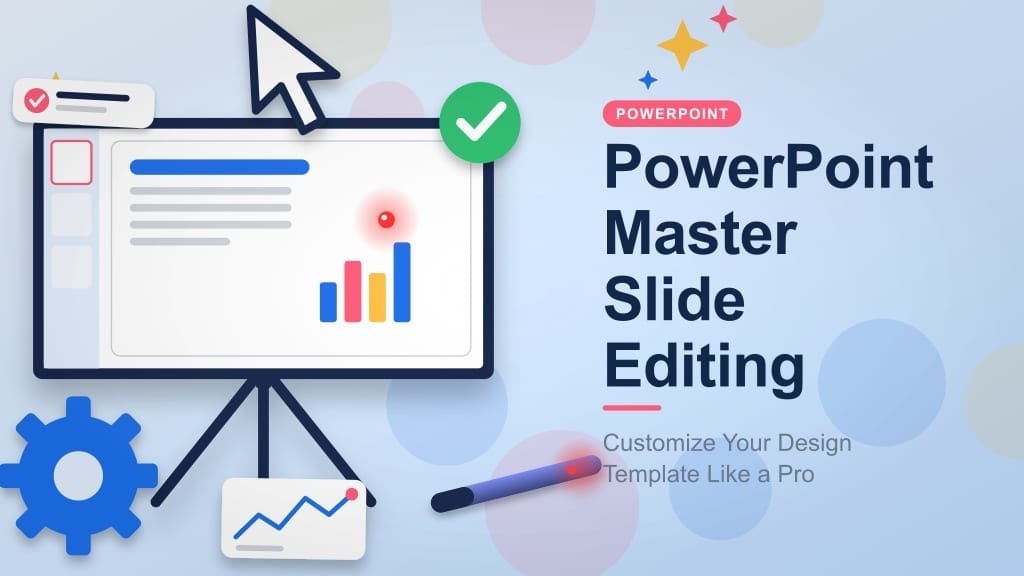
PowerPoint Master Slide Editing: Customize Your Design Template Like a Pro

November 21, 2026 by Loretta Rasmussen
PowerPoint Master Slide Editing: Customize Your Design Template Like a Pro

Editing your PowerPoint master slide transforms every presentation into a polished, professional design. ✨ I’ve spent years helping teams standardize their slides—this is the one customization that saves hours of…

Read more

Categories PowerPoint

How to Install Powerpoint from Office 365: One-Click Activation Without the Tech Hassle

October 8, 2026 by Loretta Rasmussen
How to Install Powerpoint from Office 365: One-Click Activation Without the Tech Hassle

Installing PowerPoint from Office 365 used to feel like navigating a maze, but now it’s a one-click process that takes less than five minutes. I’ve helped dozens of clients—from students to executives—skip the…

Read more

Categories PowerPoint

How to Make PowerPoint Slides Change Automatically: Seamless Transitions With Timing Tools

October 15, 2026 by Loretta Rasmussen
How to Make PowerPoint Slides Change Automatically: Seamless Transitions With Timing Tools

Learn how to make the slides change automatically in PowerPoint—it’s the secret weapon that turns nervous pauses into polished, seamless presentations with minimal effort. ⚡ It’s not just about automation; it’s about…

Read more

Categories PowerPoint

How to Save a PowerPoint to a Flash Drive: Quick Transfer Without Missing Files

November 21, 2026 by Loretta Rasmussen
How to Save a PowerPoint to a Flash Drive: Quick Transfer Without Missing Files

Saving your PowerPoint to a flash drive should take less than 30 seconds , but I’ve seen people spend minutes fumbling with formats and error messages. 💻 The key is knowing which file type to pick—PPTX for editing…

Read more

Categories PowerPoint

How to Write on Powerpoints on Ipad: Seamless Presentation Creation With Apple Pencil

November 21, 2026 by Loretta Rasmussen
How to Write on Powerpoints on Ipad: Seamless Presentation Creation With Apple Pencil

Writing on PowerPoints with an iPad and Apple Pencil feels like magic once you get past the initial setup. ✨ I’ve used this workflow for client presentations in Denver, and the precision of the Apple Pencil—combined with…

Read more

Categories PowerPoint

List of Transition Effects in Powerpoint: Smooth Slideshows That Wow Your Audience

October 13, 2026 by Loretta Rasmussen
List of Transition Effects in Powerpoint: Smooth Slideshows That Wow Your Audience

Want to make your PowerPoint presentations more dynamic and engaging? These seven transition effects will transform your slideshows from basic to breathtaking, helping you captivate any audience with professional polish…

Read more

Categories PowerPoint

Microsoft Clip Art Images Free Download: 2024’s Best Royalty-Free Collections for PowerPoint

October 12, 2026 by Loretta Rasmussen
Microsoft Clip Art Images Free Download: 2024’s Best Royalty-Free Collections for PowerPoint

Microsoft’s official clip art images are now available for free download—no subscription or credit card required—through its updated libraries. Struggling to find high-quality, royalty-free clip art for your PowerPoint…

Read more

Categories PowerPoint

10 Microsoft Office PPT Templates: Free Downloads for Stunning Presentations

October 15, 2026 by Loretta Rasmussen
10 Microsoft Office PPT Templates: Free Downloads for Stunning Presentations

Struggling to find professional PowerPoint templates that elevate your presentations? These 10 free Microsoft Office-compatible templates deliver polished designs without breaking the bank, covering everything from…

Read more

Categories PowerPoint
Page1Page2Next →

About Me

Loretta Rasmussen

Loretta Rasmussen
My first computer was a clunky desktop my dad built from spare parts in our garage, and I spent more time fixing it than actually using it. That experience taught me two things: technology is full of surprises, and the best solutions often come from understanding how things *really* work—not just what the manual says. This site is where I share those lessons, whether it’s troubleshooting a stubborn PC, mastering a new tool, or just making tech less intimidating for everyday users.

Learn more

Recent Posts

  • 10 New Features of SQL Server 2012: Game-Changing Tools for Modern Developers
    10 New Features of SQL Server 2012: Game-Changing Tools for Modern Developers
  • Microsoft Wireless Display Adapter App: Direct Download for Legacy Systems Without Store
    Microsoft Wireless Display Adapter App: Direct Download for Legacy Systems Without Store
  • Windows Phone Music Download: Legacy-Friendly ISO Transfer Guide
    Windows Phone Music Download: Legacy-Friendly ISO Transfer Guide
  • Automatically Download Bank Transactions to Excel: Zero-Click Import for Error-Free Data
    Automatically Download Bank Transactions to Excel: Zero-Click Import for Error-Free Data
  • How to Install Onenote for Windows 10: Seamless Cloud Sync With Local Offline Access
    How to Install Onenote for Windows 10: Seamless Cloud Sync With Local Offline Access
  • All Guides
  • About
  • Contact
  • Privacy Policy
  • Cookie Policy
  • Terms of Use
© 2026 devicehowto.click