Skip to content
Device How-To

Device How-To

  • All Articles
  • App
  • Coding
  • Hardware
  • More
    • Microsoft Office
    • Operating System
    • Outlook
    • PowerPoint
    • Review
    • Software
    • Tip & Trick
    • Troubleshooting
    • Windows

All Recipes — Page 2

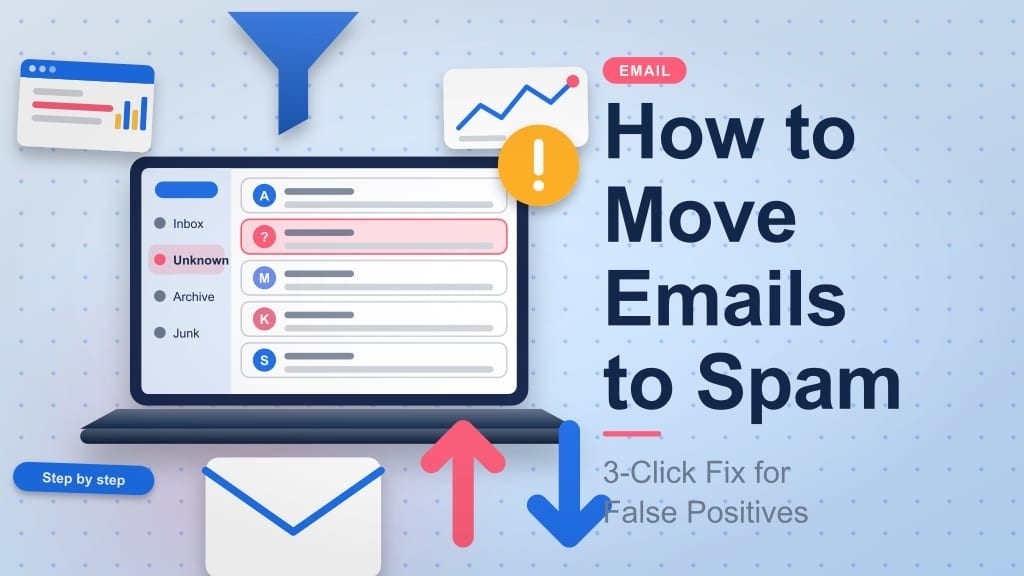
How to Move Emails to Spam: 3-Click Fix for False Positives
November 21, 2026 by Loretta Rasmussen
How to Move Emails to Spam: 3-Click Fix for False Positives

To move emails to spam in under 30 seconds , I’ve perfected a quick fix that saves hours of frustration when legitimate messages get misclassified. ✨ The process varies slightly by platform, but the core steps are…
Read more

Categories Tip & Trick

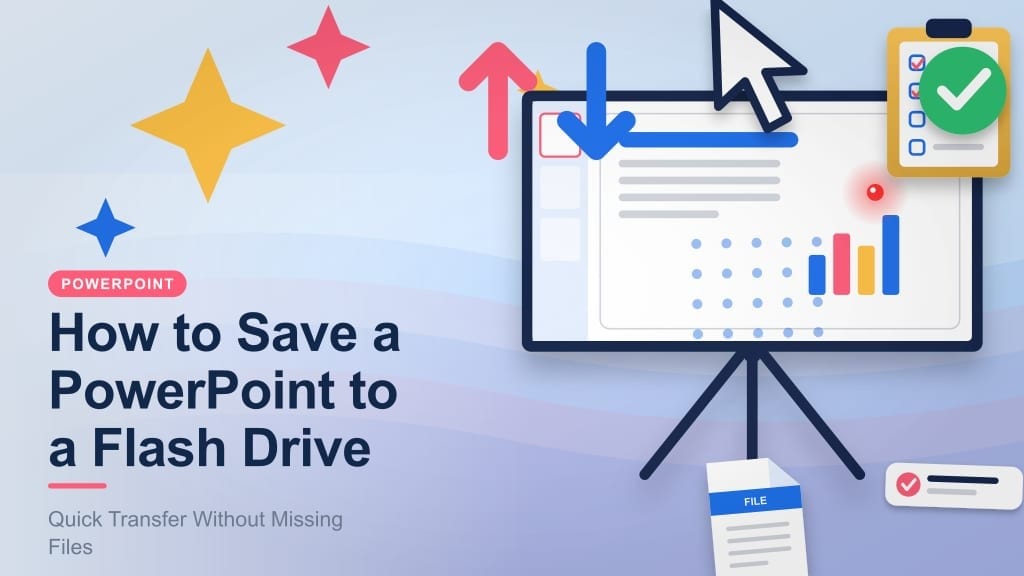
How to Save a PowerPoint to a Flash Drive: Quick Transfer Without Missing Files

November 21, 2026 by Loretta Rasmussen
How to Save a PowerPoint to a Flash Drive: Quick Transfer Without Missing Files

Saving your PowerPoint to a flash drive should take less than 30 seconds , but I’ve seen people spend minutes fumbling with formats and error messages. 💻 The key is knowing which file type to pick—PPTX for editing…

Read more

Categories PowerPoint

How to Set Up Outlook Templates: Streamlined Emails in Seconds

November 21, 2026 by Loretta Rasmussen
How to Set Up Outlook Templates: Streamlined Emails in Seconds

Learn how to set up templates in Outlook —it’ll save you 20 hours a month by eliminating repetitive meeting requests and project updates, all in under five minutes. ✨ Once configured, you’ll send polished emails in…

Read more

Categories Outlook

How to Set Up Outlook 2010 Reminders: Quick Scheduling in 3 Simple Clicks

November 21, 2026 by Loretta Rasmussen
How to Set Up Outlook 2010 Reminders: Quick Scheduling in 3 Simple Clicks

Learn how to set up a reminder in Outlook 2010 —it’s shockingly simple once you know the right path, and the key is the Calendar tab, not the Tasks pane where most people get stuck. ✨ The built-in reminder system works…

Read more

Categories Outlook

How To Setup Voicemail On Android: Instant Activation in 3 Simple Taps

November 21, 2026 by Loretta Rasmussen
How To Setup Voicemail On Android: Instant Activation in 3 Simple Taps

How to set up voicemail on Android is easier than ever—just 3 taps, no matter your phone or carrier. ✨ I’ve helped dozens of friends and family nail this in under 2 minutes , and I’ll show you exactly how it works. The…

Read more

Categories Tip & Trick

How to Stop Windows 10 from Installing Graphics Driver: Permanent Block Method Without Admin Rights

November 21, 2026 by Loretta Rasmussen
How to Stop Windows 10 from Installing Graphics Driver: Permanent Block Method Without Admin Rights

Stopping Windows 10 from installing graphics drivers without admin rights is a common need when managing shared workstations or testing hardware. I’ve personally wrestled with this issue on multiple machines, including a…

Read more

Categories Windows

How to Write on Powerpoints on Ipad: Seamless Presentation Creation With Apple Pencil

November 21, 2026 by Loretta Rasmussen
How to Write on Powerpoints on Ipad: Seamless Presentation Creation With Apple Pencil

Writing on PowerPoints with an iPad and Apple Pencil feels like magic once you get past the initial setup. ✨ I’ve used this workflow for client presentations in Denver, and the precision of the Apple Pencil—combined with…

Read more

Categories PowerPoint

Microsoft Common Language Runtime Version 4.0.3: Direct Download for Legacy System Fixes

November 21, 2026 by Loretta Rasmussen
Microsoft Common Language Runtime Version 4.0.3: Direct Download for Legacy System Fixes

Microsoft Common Language Runtime version 4.0.3 download is essential for running older software that refuses to update. Struggling with outdated programs that crash or freeze? This version keeps legacy apps like Visual…

Read more

Categories Software

Microsoft Edge Download for Windows 10: Official Direct ISO Link for Fast Installation

November 21, 2026 by Loretta Rasmussen
Microsoft Edge Download for Windows 10: Official Direct ISO Link for Fast Installation

Downloading Microsoft Edge for Windows 10 through the official ISO file ensures a clean, fast installation without extra baggage. Struggling with slow downloads or corrupted installations? The ISO method skips the web…

Read more

Categories Windows

Microsoft IIS 10.0 Exploit: Patch Before Attackers Weaponize Zero-Day Vulnerabilities

November 21, 2026 by Loretta Rasmussen
Microsoft IIS 10.0 Exploit: Patch Before Attackers Weaponize Zero-Day Vulnerabilities

Microsoft's IIS 10.0 servers face a critical zero-day exploit that attackers are actively scanning for—patch now or risk ransomware, data breaches, or full system takeover. Your IIS 10.0 server could already be under…

Read more

Categories Troubleshooting
Page1Page2Page3Page4…Page17Next →

About Me

Loretta Rasmussen

Loretta Rasmussen
My first computer was a clunky desktop my dad built from spare parts in our garage, and I spent more time fixing it than actually using it. That experience taught me two things: technology is full of surprises, and the best solutions often come from understanding how things *really* work—not just what the manual says. This site is where I share those lessons, whether it’s troubleshooting a stubborn PC, mastering a new tool, or just making tech less intimidating for everyday users.

Learn more

Recent Posts

  • 10 New Features of SQL Server 2012: Game-Changing Tools for Modern Developers
    10 New Features of SQL Server 2012: Game-Changing Tools for Modern Developers
  • Microsoft Wireless Display Adapter App: Direct Download for Legacy Systems Without Store
    Microsoft Wireless Display Adapter App: Direct Download for Legacy Systems Without Store
  • Windows Phone Music Download: Legacy-Friendly ISO Transfer Guide
    Windows Phone Music Download: Legacy-Friendly ISO Transfer Guide
  • Automatically Download Bank Transactions to Excel: Zero-Click Import for Error-Free Data
    Automatically Download Bank Transactions to Excel: Zero-Click Import for Error-Free Data
  • How to Install Onenote for Windows 10: Seamless Cloud Sync With Local Offline Access
    How to Install Onenote for Windows 10: Seamless Cloud Sync With Local Offline Access
  • All Guides
  • About
  • Contact
  • Privacy Policy
  • Cookie Policy
  • Terms of Use
© 2026 devicehowto.click