
Tip & Trick
Remote work offers flexibility but exposes your digital workspace to unique security risks. These 10 proven security best practices will help you create an impenetrable barrier between your personal data and cyber threats, no matter where you work.
Use Multi-Factor Authentication Everywhere
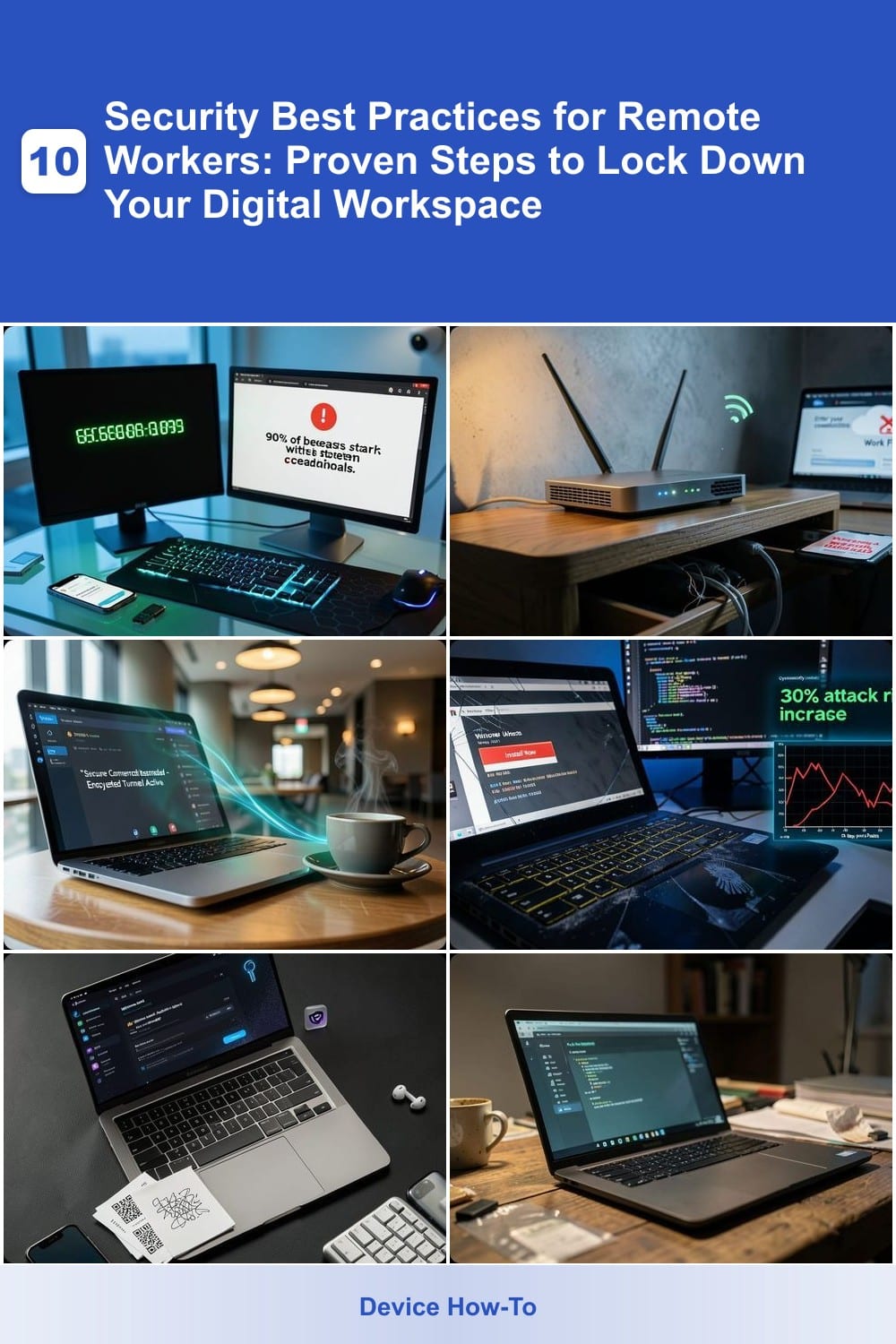
Passwords alone aren’t enough—90% of data breaches start with stolen credentials. Multi-factor authentication (MFA) adds that critical second layer, making unauthorized access nearly impossible even if your password is compromised.
Most platforms now support time-based one-time passwords (TOTP), biometric verification, or hardware keys like YubiKey. For remote workers, enabling MFA on email, VPNs, and cloud accounts (like Microsoft 365 or Google Workspace) should be non-negotiable. The setup takes minutes, and the peace of mind is priceless—especially when traveling or using public Wi-Fi.
This isn’t just for IT pros: freelancers, executives, and even students handling sensitive data should prioritize MFA. Start with your most critical accounts, then expand—because in cybersecurity, one breach can ruin everything. ✨
Secure Your Home Wi-Fi Network
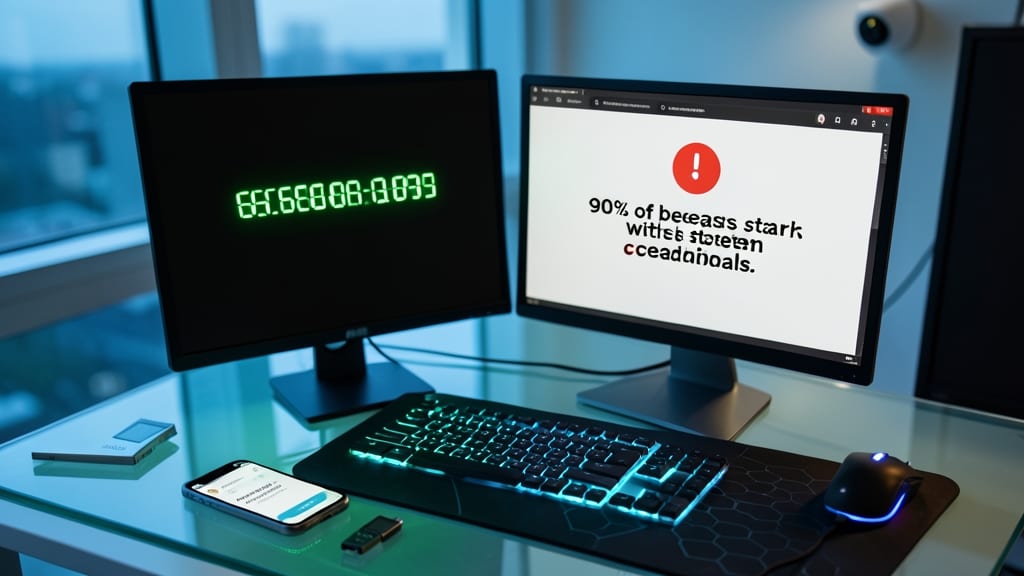
Your home Wi-Fi isn’t just a convenience—it’s the gateway to your work files, bank accounts, and personal data. A single misconfigured router can expose everything to hackers lurking on your network, turning your "secure" workspace into an open door for cybercriminals.
Start by changing your router’s default SSID (network name) and administrative password—these are often left unchanged and easily guessable. Enable WPA3 encryption (or at least WPA2) to prevent eavesdropping, and disable WPS (Wi-Fi Protected Setup), which has known vulnerabilities. For remote workers, create a separate guest network for IoT devices (like smart cameras) to isolate them from your main work traffic.
This setup is ideal for anyone handling sensitive work data, freelancers sharing files, or families splitting bandwidth. A few minutes of configuration now can save hours of cleanup later. 💪
Implement a Virtual Private Network
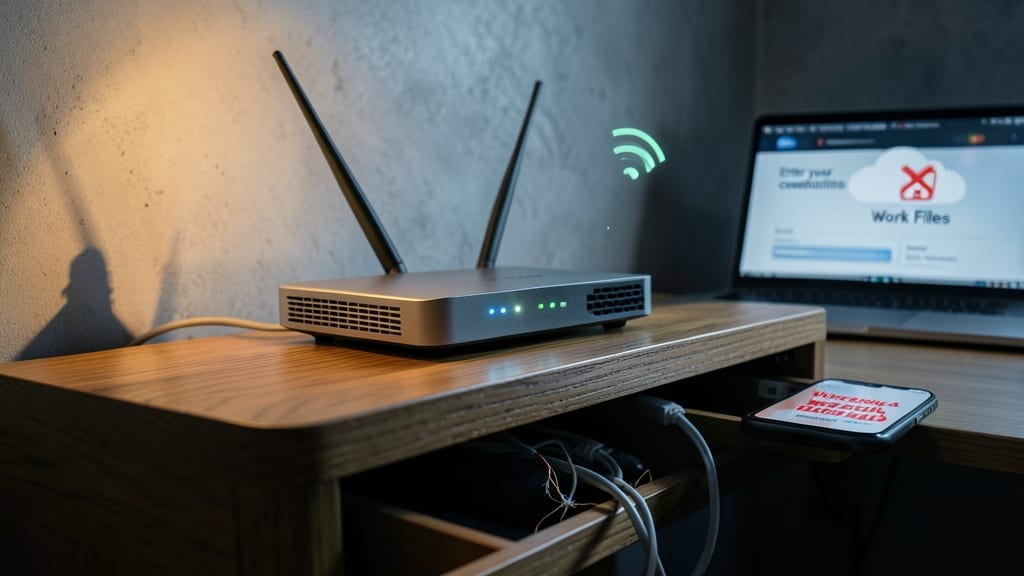
A virtual private network (VPN) acts as your digital bodyguard, shielding all internet activity from prying eyes—whether you're sipping coffee at a café or working from a hotel lobby. Unlike securing your Wi-Fi at home, a VPN creates an encrypted tunnel for every device and app, blocking hackers from stealing passwords, emails, or even browsing history in real time.
Top-tier options like NordVPN or ExpressVPN offer military-grade AES-256 encryption, server networks spanning 90+ countries, and zero-log policies (meaning no one tracks your activity). They’re especially critical for remote workers handling sensitive data, as they mask your IP address and prevent man-in-the-middle attacks on public networks. Most provide one-click setup for Windows, macOS, and mobile.
This is non-negotiable for freelancers, finance professionals, or anyone accessing company resources outside the office. A quality VPN costs as little as $3/month and takes minutes to install—far cheaper than the alternative. 🌟
Regular Software Updates and Patches
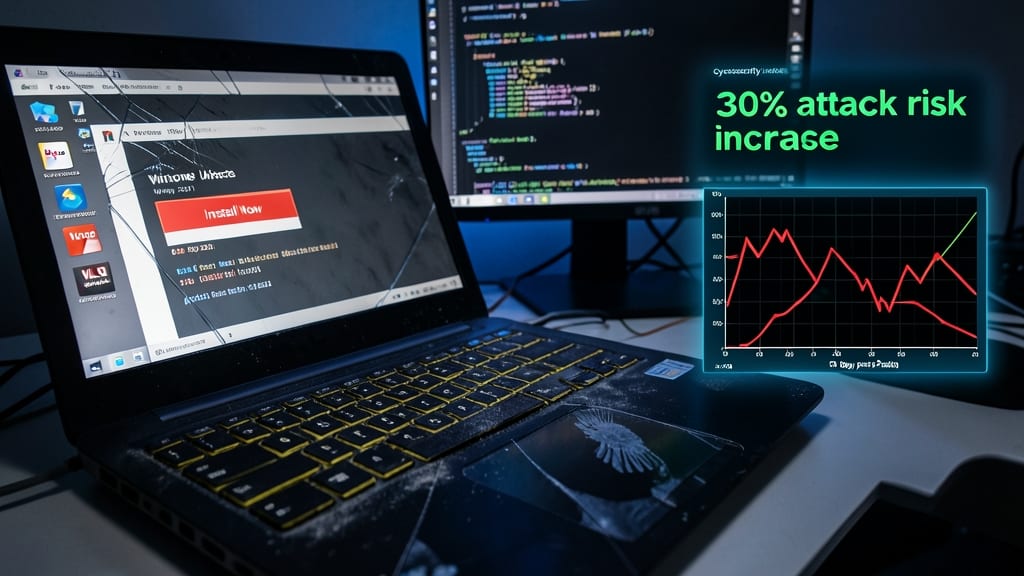
Hackers don’t need advanced tools to exploit outdated software—just a quick scan of your system to find unpatched vulnerabilities. The average device with delayed updates is exposed to 30% more attack risks within just 30 days of a major patch release, according to recent cybersecurity reports.
Most operating systems now offer automatic update settings (Windows Update, macOS Software Update, or Android’s auto-download feature), but even these can be bypassed if you disable them. Critical updates often include fixes for zero-day exploits—vulnerabilities unknown to vendors until they’re actively being weaponized. Enabling scheduled restarts for patch installations ensures they don’t get delayed by busy workdays.
This practice is non-negotiable for anyone handling sensitive data, from freelancers to enterprise employees. Set it and forget it—your future self (and IT team) will thank you. ✨
Create Strong, Unique Passwords
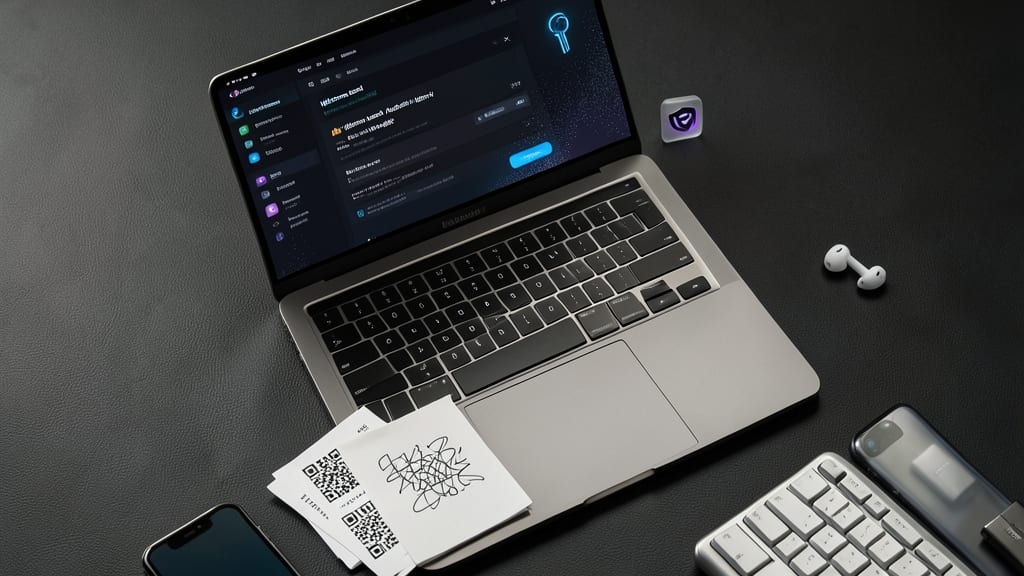
Tired of remembering endless passwords or reusing weak ones? A password manager like Bitwarden or 1Password does the heavy lifting for you, generating 256-bit encrypted credentials that even you can’t crack without the master key.
These tools auto-fill logins across devices, sync securely across platforms, and audit your vault for weak or reused passwords. Features like biometric unlock and emergency access add extra layers of protection—perfect for remote workers juggling personal and work accounts.
Ideal for anyone juggling multiple logins, password managers save time while drastically cutting breach risks. 💻
Secure Your Physical Workspace
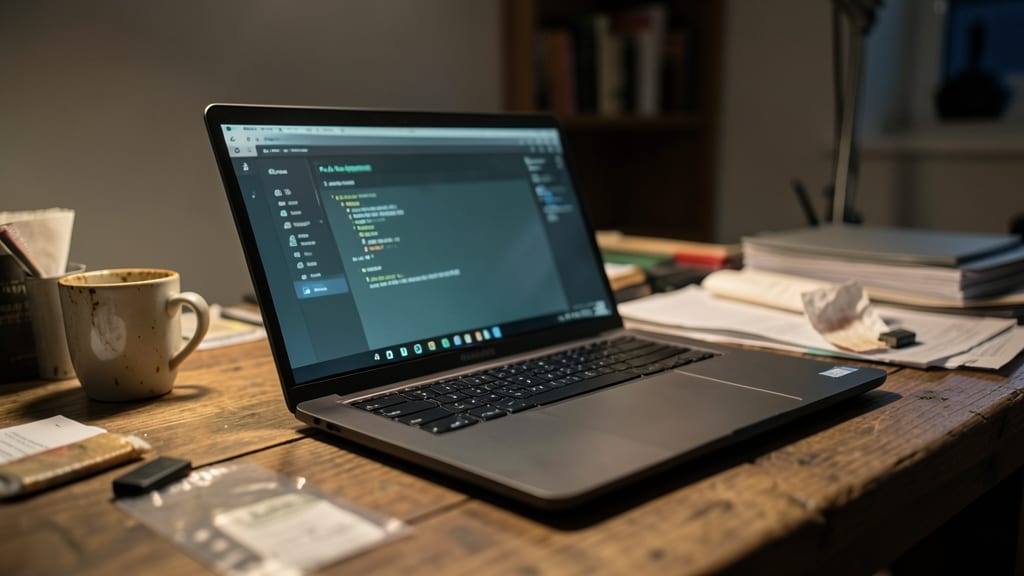
Your digital security is only as strong as your physical workspace. A lost or stolen laptop with unencrypted files can mean corporate data leaks, identity theft, or compliance violations—yet most remote workers never lock down their physical devices.
Start with full-disk encryption (enabled by default on macOS and Windows 10/11 Pro) to render all data unreadable without your credentials. Pair this with location tracking via services like Apple’s Find My or Microsoft’s Device Manager—these tools can remotely lock or wipe your device if lost. For extra protection, use a cable lock to secure laptops to desks when unattended, and enable biometric authentication (fingerprint/face ID) to prevent unauthorized access.
This setup is ideal for freelancers, contractors, and employees handling sensitive data—especially those who work in shared spaces like cafes or co-working hubs. A few clicks now can save you from a nightmare later. ✨
Enable Device Encryption Always
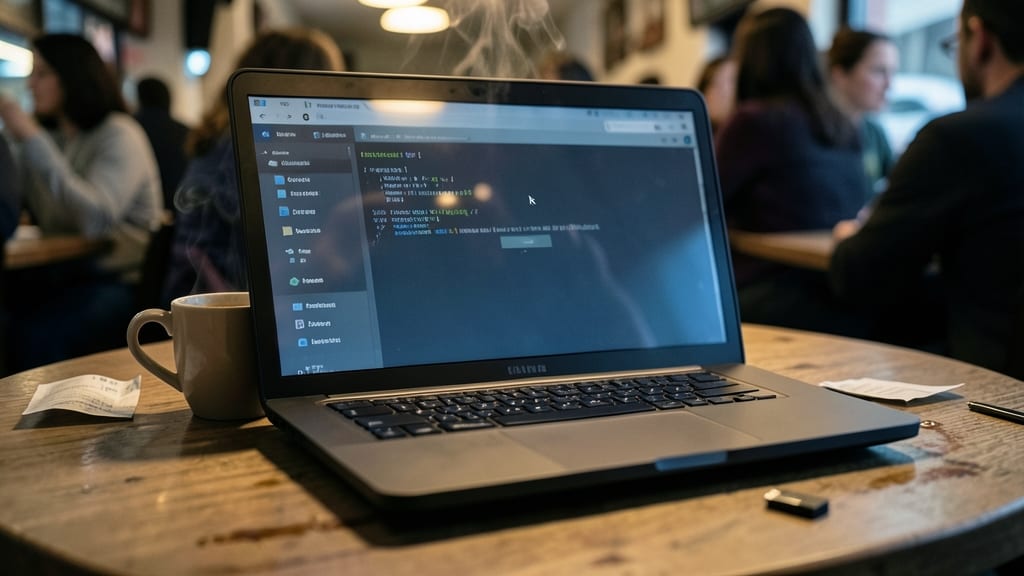
What if someone stole your laptop—or you left it in a café? Without encryption, your emails, projects, and personal files become an open book to anyone who picks it up. Full-disk encryption turns your data into an unreadable puzzle without your authentication, making theft recovery a nightmare for thieves.
Modern operating systems make this effortless: Windows BitLocker, macOS FileVault, and Android encryption activate with a single toggle. Even iPhones encrypt by default—just ensure it’s enabled in settings. The encryption happens automatically in the background, with AES-256 (military-grade) standards as the industry default. Performance impact? Minimal—most users won’t notice a difference.
This is non-negotiable for freelancers, executives, or anyone handling sensitive data. Even if your device is lost or stolen, your data stays locked down until the thief provides your passcode or PIN. 🔧
Regular Security Awareness Training
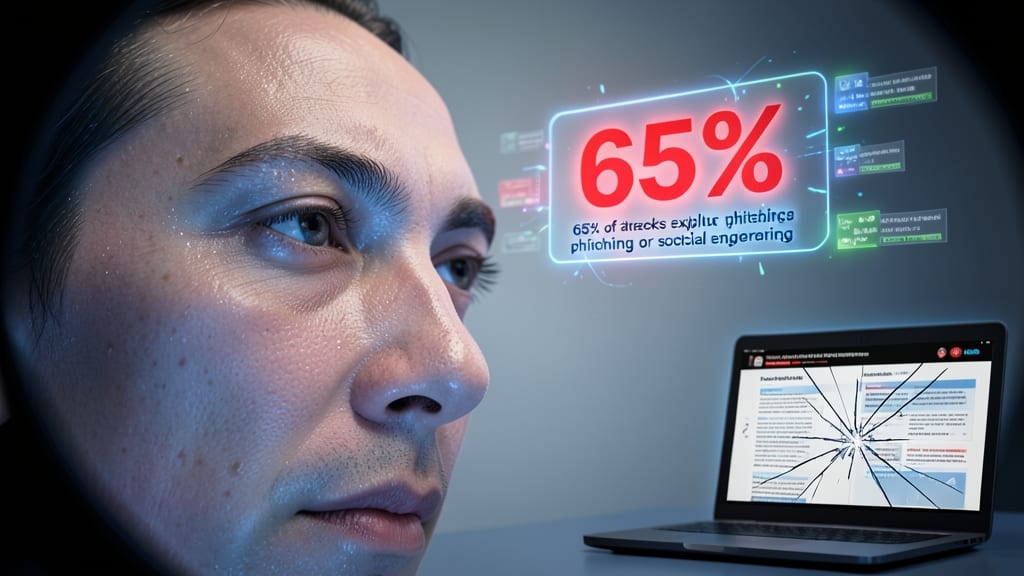
Think of your brain as the weakest link in your cybersecurity chain—because it is. Even with the best tools, human error remains the top cause of breaches, with 65% of attacks exploiting phishing or social engineering. Regular security awareness training turns your instincts into your strongest defense by teaching you to spot red flags before they become disasters.
Modern training programs go beyond basic "don’t click suspicious links" advice. They include simulated phishing tests (like KnowBe4’s platform), interactive modules on CEO fraud schemes, and real-world case studies of breaches. Some even offer gamified learning—turning security drills into engaging challenges that reinforce habits. The best programs update monthly to cover new threats, like AI-powered deepfake scams or supply-chain attacks.
This practice isn’t just for IT teams—every remote worker benefits, from freelancers handling client data to executives targeted by spear-phishing. Start with free resources like Google’s Security Principles or Microsoft’s Security Awareness Training, then escalate to employer-sponsored programs for hands-on simulations. 🔧
Use Secure File Sharing Methods
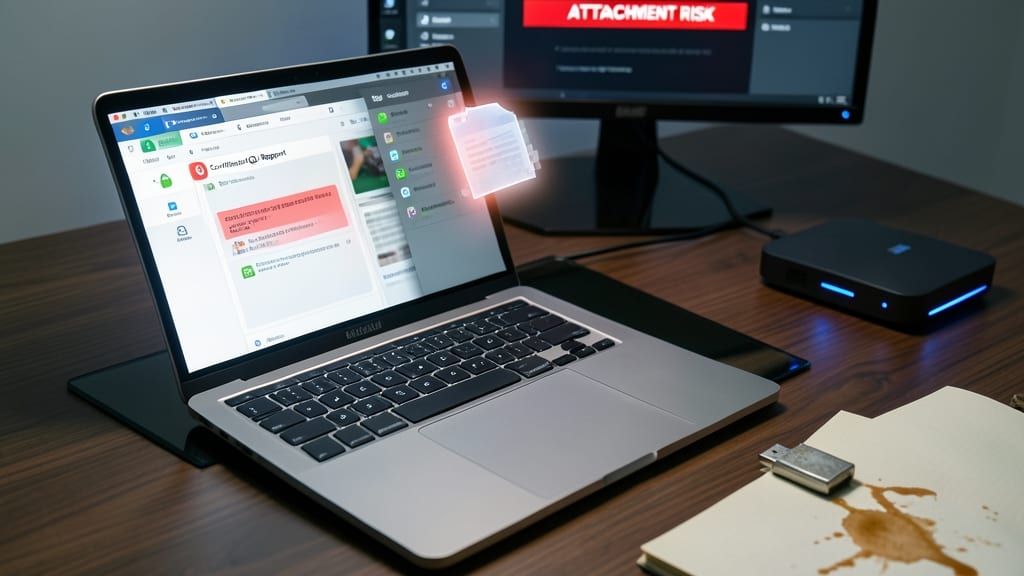
Email attachments might seem harmless, but they’re a common blind spot in corporate security. When you send sensitive files via standard email, they often bypass endpoint security controls, leaving them vulnerable to interception or unauthorized access during transit.
Instead, use encrypted file-sharing platforms like Box, Dropbox Business, or Microsoft SharePoint—these tools integrate with enterprise-grade security policies, including end-to-end encryption, access controls, and audit logs. For ultra-sensitive data, secure transfer protocols like SFTP (SSH File Transfer Protocol) or FTPS (File Transfer Protocol Secure) add an extra layer of protection by encrypting both data and authentication.
This approach is ideal for legal teams, finance professionals, or anyone handling confidential client data. By adopting these methods, you ensure compliance with industry regulations while keeping your files safe from prying eyes. ✨
Monitor and Respond to Threats

Cyber threats don’t announce themselves—they lurk silently until it’s too late. That’s why real-time threat monitoring is your secret weapon, giving you the visibility to stop attacks before they escalate into costly breaches.
Tools like Darktrace or SentinelOne use AI-driven anomaly detection to flag suspicious behavior—like unexpected data transfers or login attempts from new locations—within seconds. Combined with automated response workflows, you can isolate compromised devices or block malicious IPs without manual intervention. For remote workers, Microsoft Defender for Endpoint offers a free tier with similar capabilities, scanning for ransomware, malware, and even zero-day exploits.
This isn’t just for IT teams—small businesses and freelancers can leverage cloud-based solutions like CrowdStrike for 24/7 monitoring without heavy upfront costs. ⚡