My first computer was a clunky desktop my dad built from spare parts in our garage, and I spent more time fixing it than actually using it. That experience taught me two things: technology is full of surprises, and the best solutions often come from understanding how things *really* work—not just what the manual says. This site is where I share those lessons, whether it’s troubleshooting a stubborn PC, mastering a new tool, or just making tech less intimidating for everyday users.
Downloading Visio from Office 365 used to be a maze of confusing links and subscription checks—until I streamlined it for my community center volunteers. ✨ The key is knowing where to look: your subscription dashboard…
Editing your PowerPoint master slide transforms every presentation into a polished, professional design. ✨ I’ve spent years helping teams standardize their slides—this is the one customization that saves hours of…
Force closing an app on iPhone is the digital equivalent of slamming the brakes on a runaway train—⚡ and the swipe-and-swipe trick works every time, no matter your model. I’ve used this method hundreds of times when apps…
Here’s how to get hidden apps back—my phone’s home screen was a disaster until I discovered the simple tricks to unhide them without reinstalling a thing. 💻 The process is simpler than you’d think, and once you know it…
Earning Level 2 Microsoft Rewards feels like unlocking a secret door to faster points—because it is. 💡 I hit Level 2 in my first month by focusing on the right actions, and the difference in rewards was immediate. The…
Learn how to install application software in the computer without frustration—just follow these straightforward steps. I’ve installed everything from vintage DOS games to modern Linux packages, and the core process…
Installing OneNote on Windows 10 is the gateway to seamless note-taking that syncs across all your devices—no matter where you are. ✨ I’ve set this up on dozens of machines, and the process is shockingly straightforward…
Installing PowerPoint from Office 365 used to feel like navigating a maze, but now it’s a one-click process that takes less than five minutes. I’ve helped dozens of clients—from students to executives—skip the…
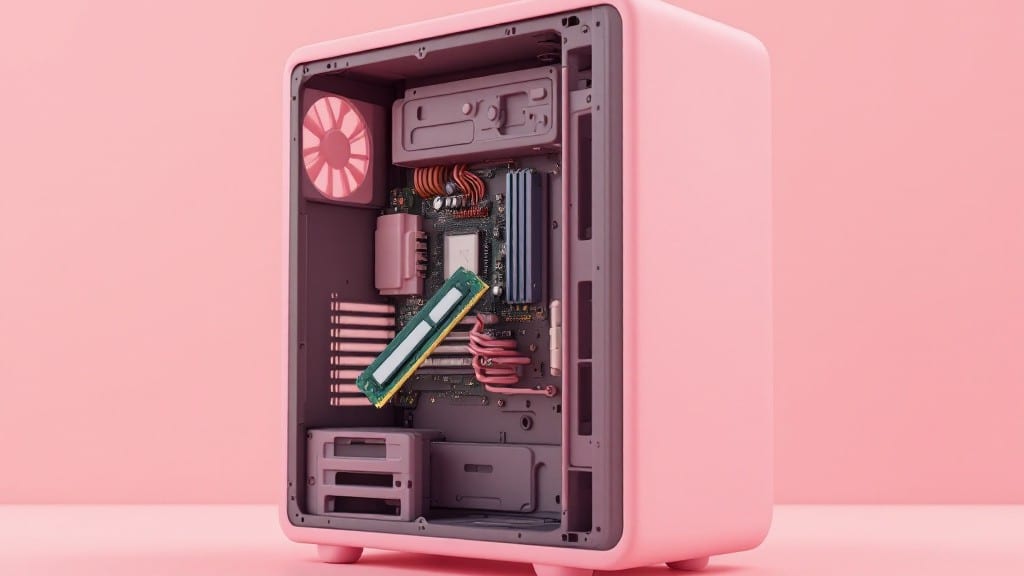
Installing RAM in a desktop PC is one of those tasks that looks intimidating until you see it done right. ⚡ I remember my first time—back in my uncle’s basement workshop in 1998—where Dad showed me how to handle those…
Installing Windows XP from USB saved me hours of hunting for floppy disks in my uncle’s basement workshop back in 1998. ✨ The process is straightforward today, but the key is using the right tools—like Rufus—and knowing…