Skip to content
Device How-To

Device How-To

  • All Articles
  • App
  • Coding
  • Hardware
  • More
    • Microsoft Office
    • Operating System
    • Outlook
    • PowerPoint
    • Review
    • Software
    • Tip & Trick
    • Troubleshooting
    • Windows

All Recipes — Page 6

Uninstall Microsoft Endpoint Protection Server 2012: Safe Removal Without Disrupting Legacy Systems

November 20, 2026 by Loretta Rasmussen
Uninstall Microsoft Endpoint Protection Server 2012: Safe Removal Without Disrupting Legacy Systems

Uninstalling Microsoft Endpoint Protection Server 2012 can feel like defusing a bomb—one wrong move and your legacy systems might take a hit. ✨ I’ve walked through this process with clients whose entire security…
Read more

Categories Troubleshooting

For What Reason Would You Need to Download a Codec Pack: Missing Media Support Explained

November 17, 2026 by Loretta Rasmussen
For What Reason Would You Need to Download a Codec Pack: Missing Media Support Explained

For what reason would you need to download a codec pack? The quick answer is that your media player or system struggles to play audio or video files like MP4, MKV, or AVI because your device lacks the essential software…

Read more

Categories Software

How to Get Hidden Apps Back: Quick Unhide Tricks for Any Device

November 17, 2026 by Loretta Rasmussen
How to Get Hidden Apps Back: Quick Unhide Tricks for Any Device

Here’s how to get hidden apps back—my phone’s home screen was a disaster until I discovered the simple tricks to unhide them without reinstalling a thing. 💻 The process is simpler than you’d think, and once you know it…

Read more

Categories App

Excel Floor Plan Template Free Download: Customizable Layouts for Home Designers

November 10, 2026 by Loretta Rasmussen
Excel Floor Plan Template Free Download: Customizable Layouts for Home Designers

This free Excel floor plan template download lets you design layouts without spending a dime on pricey software—no design skills required. Ever stared at a blank page, unsure where to start with a floor plan? I’ve used…

Read more

Categories Software

PowerPoint Can Attempt to Repair Presentation: Recover Corrupted Slides in Seconds

November 10, 2026 by Loretta Rasmussen
PowerPoint Can Attempt to Repair Presentation: Recover Corrupted Slides in Seconds

PowerPoint's "attempt to repair" prompt saved me from losing a 15-minute client presentation last week—twice. ✨ That familiar error message isn't just annoying; it's PowerPoint's way of telling you the file's internal…

Read more

Categories PowerPoint

Set Up MSN Email on Mac: Step-by-Step Visual Walkthrough for Smooth Sync

November 10, 2026 by Loretta Rasmussen
Set Up MSN Email on Mac: Step-by-Step Visual Walkthrough for Smooth Sync

Setting up MSN email on your Mac used to be a headache—until I figured out the right sequence. ✨ My grandmother’s Windows 95 machine taught me patience, and this process takes exactly that: 5 minutes of careful setup to…

Read more

Categories Troubleshooting

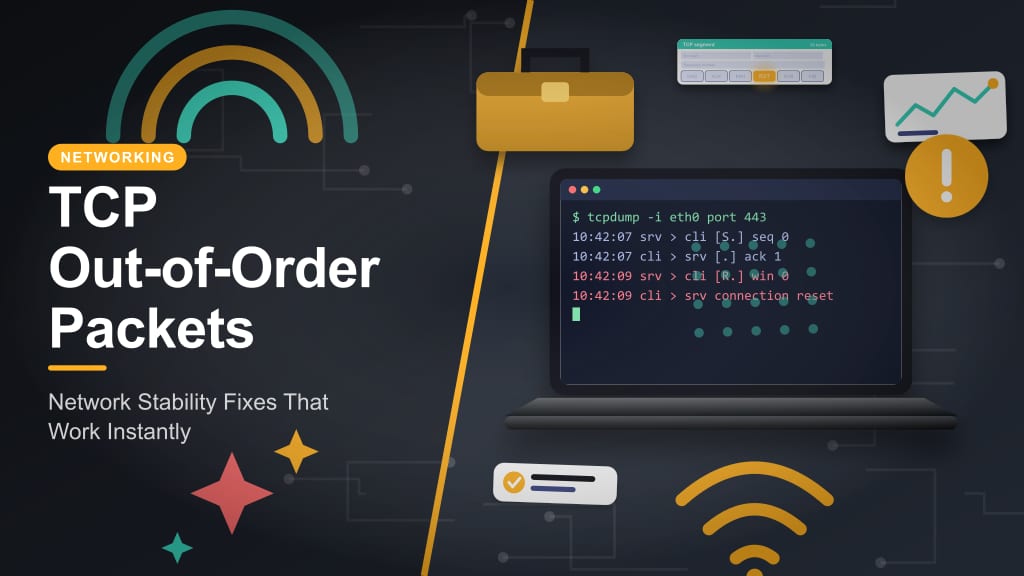
TCP Out-of-Order Packets: Network Stability Fixes That Work Instantly

November 10, 2026 by Loretta Rasmussen
TCP Out-of-Order Packets: Network Stability Fixes That Work Instantly

When your network struggles with TCP out-of-order packets , it’s not just a minor glitch—it’s the reason your downloads stall, video calls buffer, or connections drop unexpectedly. Frustrated by slow downloads, lagging…

Read more

Categories Troubleshooting

Why Is My Microsoft Office Not Installing: 10 Fixes for Stubborn Installation Errors

November 10, 2026 by Loretta Rasmussen
Why Is My Microsoft Office Not Installing: 10 Fixes for Stubborn Installation Errors

Why is your Microsoft Office not installing—and the frustration only grows when deadlines loom, no matter how many times you try. 💻 I’ve spent hours debugging this myself, and the culprit is almost never what you’d…

Read more

Categories Troubleshooting

Windows 10 64-Bit Drivers Download: Trusted Sources for Latest Hardware Support

November 10, 2026 by Loretta Rasmussen
Windows 10 64-Bit Drivers Download: Trusted Sources for Latest Hardware Support

Downloading the latest Windows 10 64-bit drivers keeps your system running at peak performance—but one wrong click can turn your PC into a security risk. Missing or outdated drivers cause crashes, sluggish speeds, or…

Read more

Categories Windows

360 Virtual Tour Software Free Download: Top 5 No-Cost Tools for Stunning Interactive Tours

November 6, 2026 by Loretta Rasmussen
360 Virtual Tour Software Free Download: Top 5 No-Cost Tools for Stunning Interactive Tours

Download free 360 virtual tour software to transform your photos into interactive experiences without spending a dime. Ever wished you could showcase a property, museum, or product in stunning detail but hesitated at the…

Read more

Categories Software
Page1…Page4Page5Page6Page7Page8…Page17Next →

About Me

Loretta Rasmussen

Loretta Rasmussen
My first computer was a clunky desktop my dad built from spare parts in our garage, and I spent more time fixing it than actually using it. That experience taught me two things: technology is full of surprises, and the best solutions often come from understanding how things *really* work—not just what the manual says. This site is where I share those lessons, whether it’s troubleshooting a stubborn PC, mastering a new tool, or just making tech less intimidating for everyday users.

Learn more

Recent Posts

  • 10 New Features of SQL Server 2012: Game-Changing Tools for Modern Developers
    10 New Features of SQL Server 2012: Game-Changing Tools for Modern Developers
  • Microsoft Wireless Display Adapter App: Direct Download for Legacy Systems Without Store
    Microsoft Wireless Display Adapter App: Direct Download for Legacy Systems Without Store
  • Windows Phone Music Download: Legacy-Friendly ISO Transfer Guide
    Windows Phone Music Download: Legacy-Friendly ISO Transfer Guide
  • Automatically Download Bank Transactions to Excel: Zero-Click Import for Error-Free Data
    Automatically Download Bank Transactions to Excel: Zero-Click Import for Error-Free Data
  • How to Install Onenote for Windows 10: Seamless Cloud Sync With Local Offline Access
    How to Install Onenote for Windows 10: Seamless Cloud Sync With Local Offline Access
  • All Guides
  • About
  • Contact
  • Privacy Policy
  • Cookie Policy
  • Terms of Use
© 2026 devicehowto.click