Skip to content
Device How-To

Device How-To

  • All Articles
  • App
  • Coding
  • Hardware
  • More
    • Microsoft Office
    • Operating System
    • Outlook
    • PowerPoint
    • Review
    • Software
    • Tip & Trick
    • Troubleshooting
    • Windows

All Recipes — Page 8

Windows 7 Internet Explorer 11: Legacy Browser Download for Full Compatibility

November 6, 2026 by Loretta Rasmussen
Windows 7 Internet Explorer 11: Legacy Browser Download for Full Compatibility

Downloading Internet Explorer 11 for Windows 7 is still possible, but you’ll want to move fast—Microsoft’s official servers have long since retired this legacy browser. ⚡ I remember when IE11 was cutting-edge, back when…


Read more

Categories Windows

Download Teams Add-In for Outlook: One-Click Integration for Seamless Collaboration

November 6, 2026 by Loretta Rasmussen
Download Teams Add-In for Outlook: One-Click Integration for Seamless Collaboration

After downloading the Teams add-in for Outlook in 2020 for my uncle’s small business, I realized how quickly it could merge their email and chat workflows—all in under five minutes. ✨ The process was spent the next hour…

Read more

Categories Outlook

Equation Editor Free Download for Windows 10: Microsoft Math Input Panel Alternative

November 6, 2026 by Loretta Rasmussen
Equation Editor Free Download for Windows 10: Microsoft Math Input Panel Alternative

Need a polished equation editor free download for Windows 10 to craft professional-looking formulas effortlessly? The classic Equation Editor is missing, but Microsoft’s Math Input Panel and trusted third-party tools…

Read more

Categories Windows

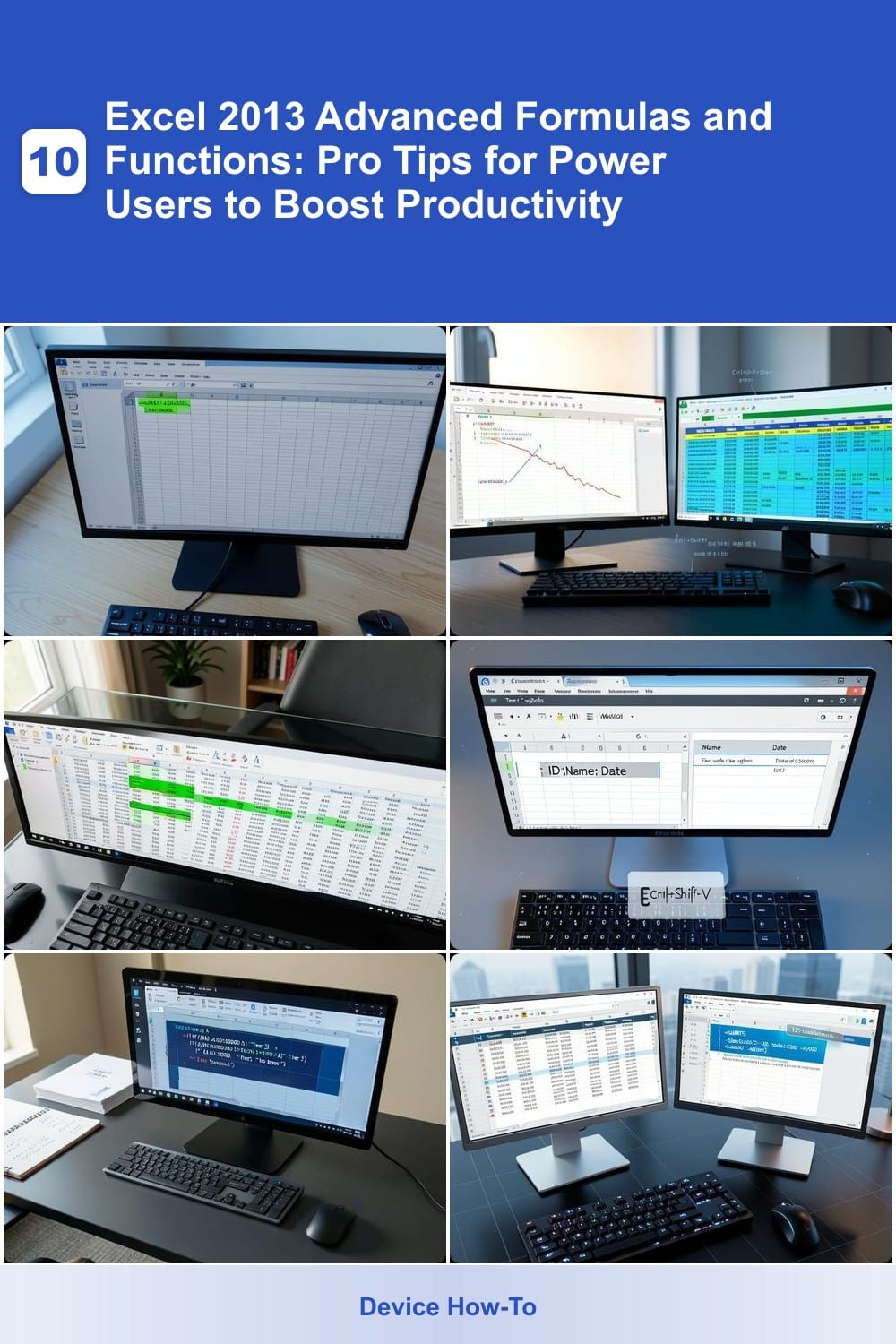
10 Excel 2013 Advanced Formulas and Functions: Pro Tips for Power Users to Boost Productivity

November 6, 2026 by Loretta Rasmussen
10 Excel 2013 Advanced Formulas and Functions: Pro Tips for Power Users to Boost Productivity

Mastering Excel 2013’s advanced formulas can transform your spreadsheets from basic tools into powerful analytical engines. These 10 lesser-known functions and pro tips will automate complex tasks, save hours of manual…

Read more

Categories Software

Excel Power View Add-In Download: Direct Microsoft Store Link for 2023 Version

November 6, 2026 by Loretta Rasmussen
Excel Power View Add-In Download: Direct Microsoft Store Link for 2023 Version

Looking for the Excel Power View Add-In download to unlock interactive data visualizations in your spreadsheets? Microsoft’s official tool is still available—but you’ll need to know where to find it. If you’ve ever…

Read more

Categories Software

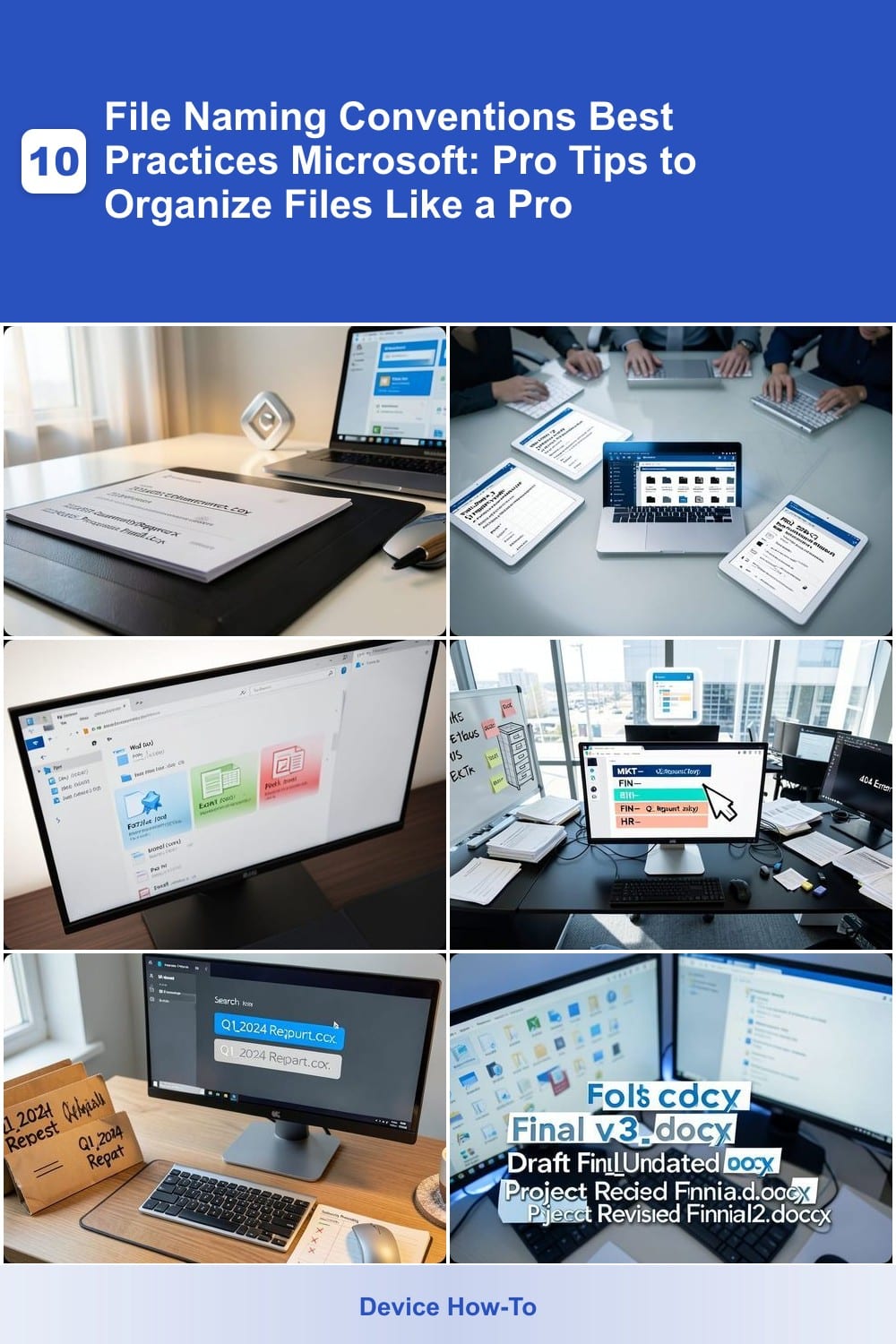
File Naming Conventions Best Practices Microsoft: Pro Tips to Organize Files Like a Pro

November 6, 2026 by Loretta Rasmussen
File Naming Conventions Best Practices Microsoft: Pro Tips to Organize Files Like a Pro

Struggling to keep your Microsoft files organized? Consistent file naming conventions save time, reduce errors, and make collaboration seamless. These seven best practices will transform your digital workspace from…

Read more

Categories Tip & Trick

Free Downloading Adobe Flash Player for Windows 7: Legacy Version with Full Offline Installer

November 6, 2026 by Loretta Rasmussen
Free Downloading Adobe Flash Player for Windows 7: Legacy Version with Full Offline Installer

Before risking malware, get the free downloading Adobe Flash Player for Windows 7 straight from Adobe’s official archive—only the last trusted offline installer is safe. Windows 7 users still relying on Flash for old…

Read more

Categories Windows

Free Downloads Windows Live Movie Maker: Last Official ISO Source for Legacy Systems

November 6, 2026 by Loretta Rasmussen
Free Downloads Windows Live Movie Maker: Last Official ISO Source for Legacy Systems

You can still find free downloads of Windows Live Movie Maker through Microsoft’s archived versions, but you’ll need to know where to look. This free tool was a game-changer for hobbyists, but Microsoft pulled it in 2017…

Read more

Categories Windows

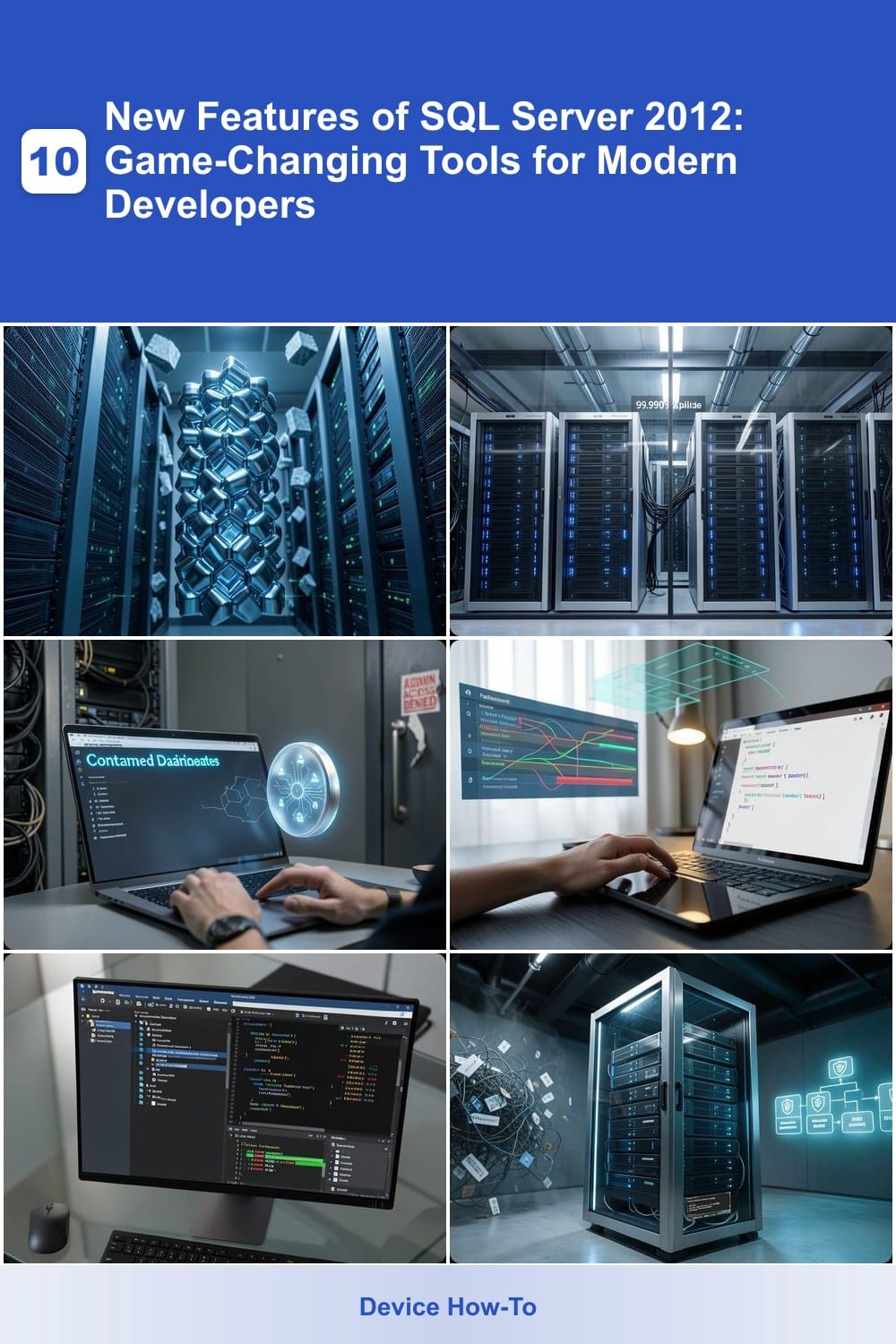
10 New Features of SQL Server 2012: Game-Changing Tools for Modern Developers

October 17, 2026 by Loretta Rasmussen
10 New Features of SQL Server 2012: Game-Changing Tools for Modern Developers

SQL Server 2012 introduced groundbreaking features that transformed database management for developers and enterprises. These 10 innovations boost performance, security, and scalability—making them essential for modern…

Read more

Categories Coding

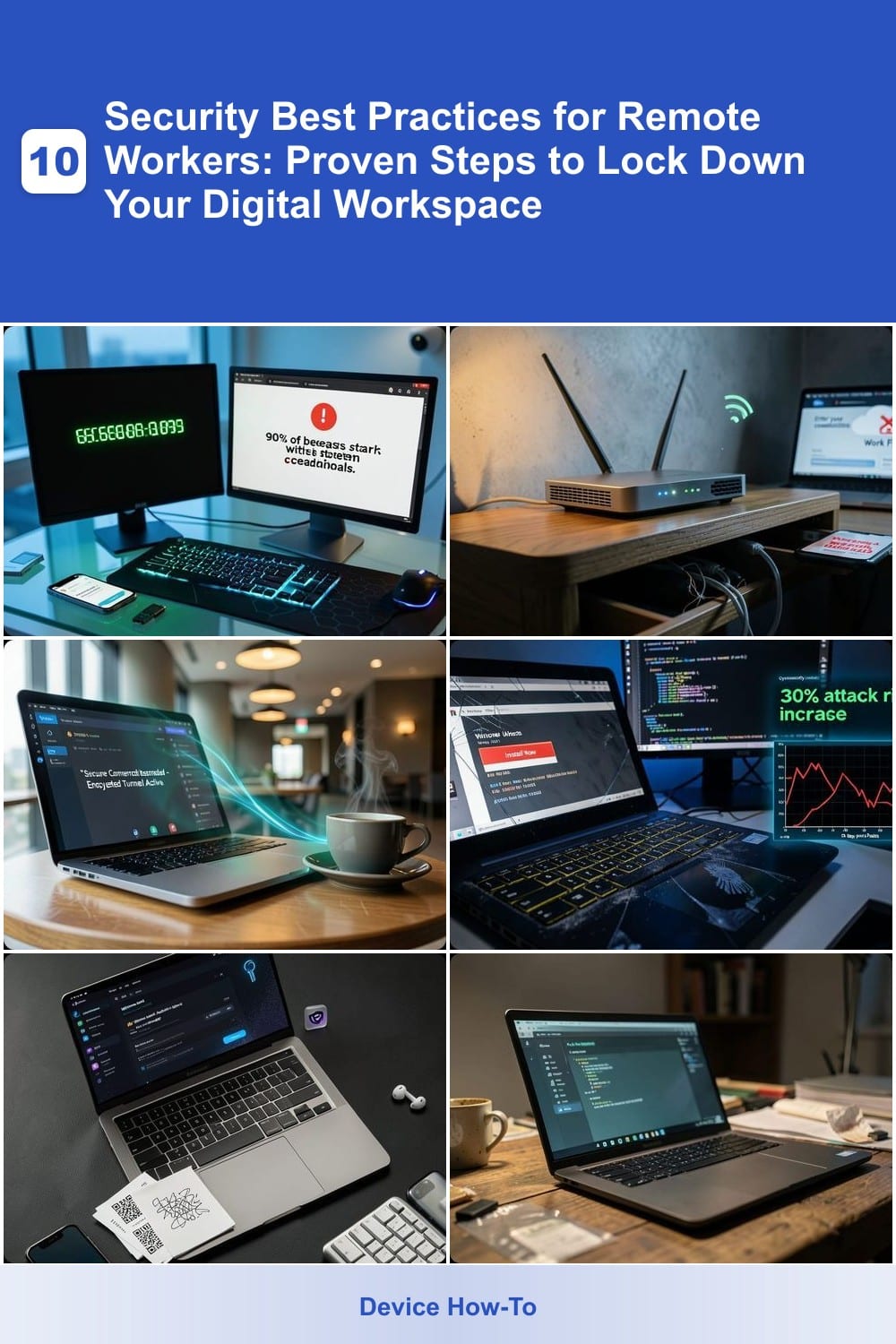
10 Security Best Practices for Remote Workers: Proven Steps to Lock Down Your Digital Workspace

October 17, 2026 by Loretta Rasmussen
10 Security Best Practices for Remote Workers: Proven Steps to Lock Down Your Digital Workspace

Remote work offers flexibility but exposes your digital workspace to unique security risks. These 10 proven security best practices will help you create an impenetrable barrier between your personal data and cyber…

Read more

Categories Tip & Trick
Page1…Page6Page7Page8Page9Page10…Page17Next →

About Me

Loretta Rasmussen

Loretta Rasmussen
My first computer was a clunky desktop my dad built from spare parts in our garage, and I spent more time fixing it than actually using it. That experience taught me two things: technology is full of surprises, and the best solutions often come from understanding how things *really* work—not just what the manual says. This site is where I share those lessons, whether it’s troubleshooting a stubborn PC, mastering a new tool, or just making tech less intimidating for everyday users.

Learn more

Recent Posts

  • 10 New Features of SQL Server 2012: Game-Changing Tools for Modern Developers
    10 New Features of SQL Server 2012: Game-Changing Tools for Modern Developers
  • Microsoft Wireless Display Adapter App: Direct Download for Legacy Systems Without Store
    Microsoft Wireless Display Adapter App: Direct Download for Legacy Systems Without Store
  • Windows Phone Music Download: Legacy-Friendly ISO Transfer Guide
    Windows Phone Music Download: Legacy-Friendly ISO Transfer Guide
  • Automatically Download Bank Transactions to Excel: Zero-Click Import for Error-Free Data
    Automatically Download Bank Transactions to Excel: Zero-Click Import for Error-Free Data
  • How to Install Onenote for Windows 10: Seamless Cloud Sync With Local Offline Access
    How to Install Onenote for Windows 10: Seamless Cloud Sync With Local Offline Access
  • All Guides
  • About
  • Contact
  • Privacy Policy
  • Cookie Policy
  • Terms of Use
© 2026 devicehowto.click