Skip to content
Device How-To

Device How-To

  • All Articles
  • App
  • Coding
  • Hardware
  • More
    • Microsoft Office
    • Operating System
    • Outlook
    • PowerPoint
    • Review
    • Software
    • Tip & Trick
    • Troubleshooting
    • Windows

All Recipes — Page 10

10 Microsoft Office PPT Templates: Free Downloads for Stunning Presentations
October 15, 2026 by Loretta Rasmussen
10 Microsoft Office PPT Templates: Free Downloads for Stunning Presentations

Struggling to find professional PowerPoint templates that elevate your presentations? These 10 free Microsoft Office-compatible templates deliver polished designs without breaking the bank, covering everything from…
Read more

Categories PowerPoint

This File Couldn’t Be Downloaded: Quick Fixes for Common Errors

October 15, 2026 by Loretta Rasmussen
This File Couldn’t Be Downloaded: Quick Fixes for Common Errors

When "this file couldn’t be downloaded" freezes your workflow, it’s not always a dead end. ⚡ I’ve fixed this error on Windows, macOS, and Linux—often in under five minutes —by targeting the real culprit, whether it’s a…

Read more

Categories Troubleshooting

How to Re Install Window Xp: Step-by-Step Legacy System Revival

October 13, 2026 by Loretta Rasmussen
How to Re Install Window Xp: Step-by-Step Legacy System Revival

Learning how to re-install Windows XP can breathe new life into an old system—if you do it right. ⚡ I’ve restored more vintage PCs from scrap piles than I can count, and the key is treating it like surgery: precise…

Read more

Categories Windows

How to Reinstall Network Adapter Driver: Device Manager Fix in 3 Clicks

October 13, 2026 by Loretta Rasmussen
How to Reinstall Network Adapter Driver: Device Manager Fix in 3 Clicks

Reinstalling your network adapter driver can fix connection drops in three clicks —I’ve done this dozens of times when Windows updates or faulty installs break Wi-Fi or Ethernet. The key is knowing whether to use Device…

Read more

Categories Tip & Trick

How to Set up Microsoft Authenticator: Step-By-Step Visual Walkthrough for Secure Access

October 13, 2026 by Loretta Rasmussen
How to Set up Microsoft Authenticator: Step-By-Step Visual Walkthrough for Secure Access

Setting up Microsoft Authenticator took me from "security novice" to "two-factor pro" in under 15 minutes. ✨ The app’s seamless integration with Microsoft accounts and third-party services means no more forgotten…

Read more

Categories Tip & Trick

How to Uninstall Outlook on Mac: Clean Removal Without Lingering Files Left Behind

October 13, 2026 by Loretta Rasmussen
How to Uninstall Outlook on Mac: Clean Removal Without Lingering Files Left Behind

Uninstalling Outlook on Mac shouldn’t leave behind a digital mess. ⚡ I’ve helped dozens of users clean up their systems after Outlook’s default uninstaller leaves behind hidden files that hog storage and slow down their…

Read more

Categories Outlook

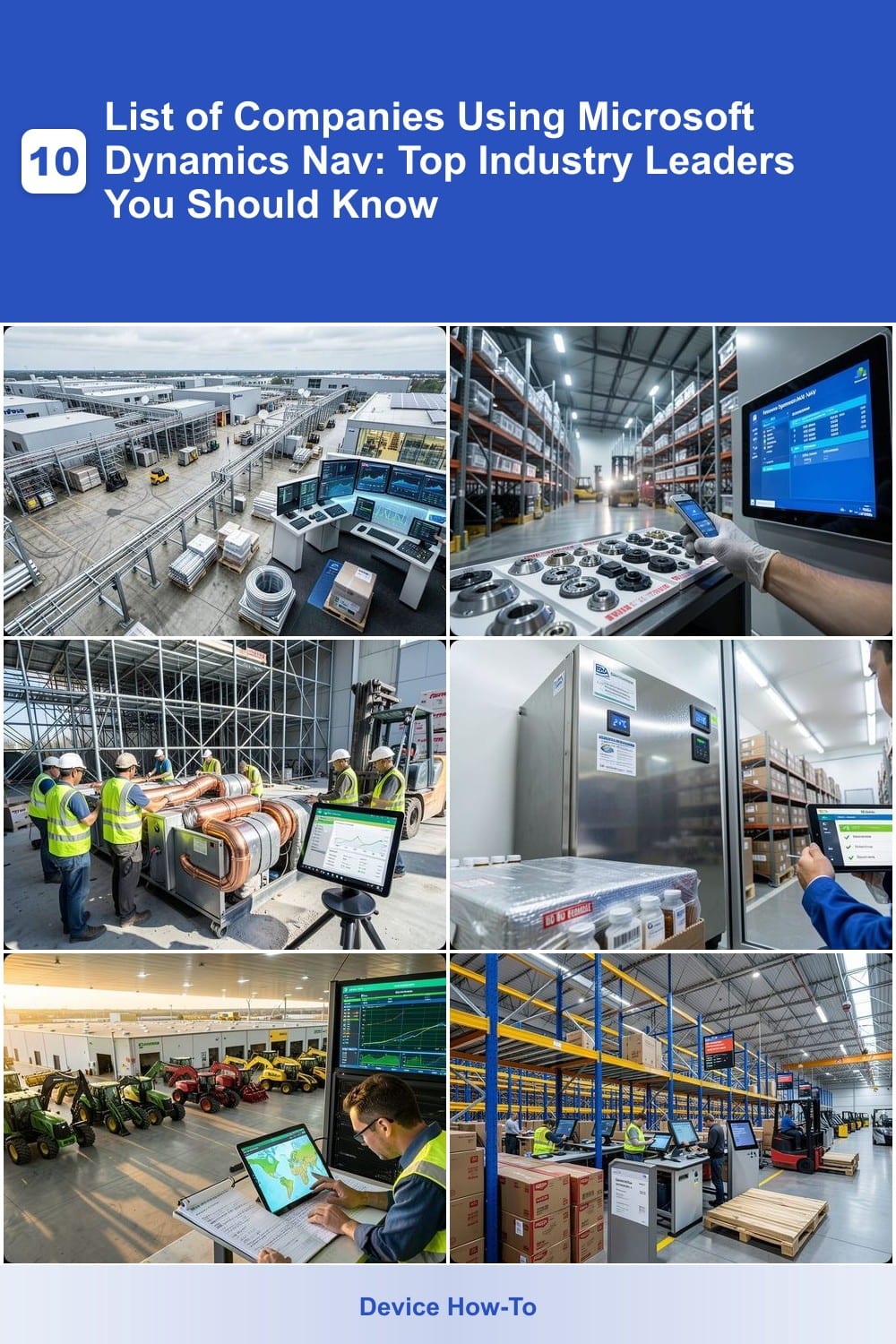
List of Companies Using Microsoft Dynamics Nav: Top Industry Leaders You Should Know

October 13, 2026 by Loretta Rasmussen
List of Companies Using Microsoft Dynamics Nav: Top Industry Leaders You Should Know

Microsoft Dynamics NAV remains a powerhouse for mid-sized businesses seeking seamless ERP solutions. Discover seven industry leaders leveraging this platform to streamline operations, from manufacturing to distribution…

Read more

Categories Software

List of Transition Effects in Powerpoint: Smooth Slideshows That Wow Your Audience

October 13, 2026 by Loretta Rasmussen
List of Transition Effects in Powerpoint: Smooth Slideshows That Wow Your Audience

Want to make your PowerPoint presentations more dynamic and engaging? These seven transition effects will transform your slideshows from basic to breathtaking, helping you captivate any audience with professional polish…

Read more

Categories PowerPoint

Microsoft CVE-2022-38023: Zero-Day Exploit Fixes for Windows Security Patches

October 13, 2026 by Loretta Rasmussen
Microsoft CVE-2022-38023: Zero-Day Exploit Fixes for Windows Security Patches

Microsoft’s CVE-2022-38023 zero-day flaw exposed Windows systems to remote code execution—until Microsoft’s urgent patches closed the gap. Imagine a hacker slipping into your system through a hidden backdoor in the…

Read more

Categories Troubleshooting

Microsoft Machine Learning Server Installation Files: Direct Download & Version-Specific Setup Guide

October 13, 2026 by Loretta Rasmussen
Microsoft Machine Learning Server Installation Files: Direct Download & Version-Specific Setup Guide

Microsoft Machine Learning Server installation files are your gateway to deploying AI models at scale—here’s exactly where to find them and what to watch for during setup. Missing the right version can leave you stuck…

Read more

Categories Software
Page1…Page8Page9Page10Page11Page12…Page17Next →

About Me

Loretta Rasmussen

Loretta Rasmussen
My first computer was a clunky desktop my dad built from spare parts in our garage, and I spent more time fixing it than actually using it. That experience taught me two things: technology is full of surprises, and the best solutions often come from understanding how things *really* work—not just what the manual says. This site is where I share those lessons, whether it’s troubleshooting a stubborn PC, mastering a new tool, or just making tech less intimidating for everyday users.

Learn more

Recent Posts

  • 10 New Features of SQL Server 2012: Game-Changing Tools for Modern Developers
    10 New Features of SQL Server 2012: Game-Changing Tools for Modern Developers
  • Microsoft Wireless Display Adapter App: Direct Download for Legacy Systems Without Store
    Microsoft Wireless Display Adapter App: Direct Download for Legacy Systems Without Store
  • Windows Phone Music Download: Legacy-Friendly ISO Transfer Guide
    Windows Phone Music Download: Legacy-Friendly ISO Transfer Guide
  • Automatically Download Bank Transactions to Excel: Zero-Click Import for Error-Free Data
    Automatically Download Bank Transactions to Excel: Zero-Click Import for Error-Free Data
  • How to Install Onenote for Windows 10: Seamless Cloud Sync With Local Offline Access
    How to Install Onenote for Windows 10: Seamless Cloud Sync With Local Offline Access
  • All Guides
  • About
  • Contact
  • Privacy Policy
  • Cookie Policy
  • Terms of Use
© 2026 devicehowto.click