Skip to content
Device How-To

Device How-To

  • All Articles
  • App
  • Coding
  • Hardware
  • More
    • Microsoft Office
    • Operating System
    • Outlook
    • PowerPoint
    • Review
    • Software
    • Tip & Trick
    • Troubleshooting
    • Windows

All Recipes — Page 9

10 Games That You Don’t Have To Download Or Install: Play Instantly in Your Browser
October 15, 2026 by Loretta Rasmussen
10 Games That You Don’t Have To Download Or Install: Play Instantly in Your Browser

Tired of waiting for downloads or storage-hogging installs? These 10 browser-based games deliver instant fun without sacrificing quality. Perfect for quick breaks, travel, or testing new devices before committing to…
Read more

Categories Software

How Do I Set up Voice Recognition: Hands-Free Dictation Ready in Minutes

October 15, 2026 by Loretta Rasmussen
How Do I Set up Voice Recognition: Hands-Free Dictation Ready in Minutes

Setting up voice recognition on Windows feels like unlocking a superpower—once you get past the initial setup, it’s shockingly useful. ✨ I’ve helped dozens of friends transform their workflows, from quick emails to full…

Read more

Categories Windows

How to Install Windows XP From USB: Bootable Drive Setup in 5 Minutes

October 15, 2026 by Loretta Rasmussen
How to Install Windows XP From USB: Bootable Drive Setup in 5 Minutes

Installing Windows XP from USB saved me hours of hunting for floppy disks in my uncle’s basement workshop back in 1998. ✨ The process is straightforward today, but the key is using the right tools—like Rufus—and knowing…

Read more

Categories Windows

How to Make PowerPoint Slides Change Automatically: Seamless Transitions With Timing Tools

October 15, 2026 by Loretta Rasmussen
How to Make PowerPoint Slides Change Automatically: Seamless Transitions With Timing Tools

Learn how to make the slides change automatically in PowerPoint—it’s the secret weapon that turns nervous pauses into polished, seamless presentations with minimal effort. ⚡ It’s not just about automation; it’s about…

Read more

Categories PowerPoint

How to Set Up Background in Teams: Visual Polish With One-Click Adjustments

October 15, 2026 by Loretta Rasmussen
How to Set Up Background in Teams: Visual Polish With One-Click Adjustments

Setting up a background in Teams takes less than a minute once you know the trick. ✨ I’ve helped dozens of coworkers transform their video calls from cluttered home offices to polished professional setups—no fancy…

Read more

Categories Tip & Trick

How to Set Up Thunderbird Email: Step-by-Step Visual Walkthrough for Beginners

October 15, 2026 by Loretta Rasmussen
How to Set Up Thunderbird Email: Step-by-Step Visual Walkthrough for Beginners

Setting up Thunderbird email used to feel like navigating a maze of server settings and security protocols, but I’ve streamlined it into a foolproof process that works for Gmail, Outlook, and even your old AOL account…

Read more

Categories Tip & Trick

How to Set up Voice Recognition: Hassle-Free Activation in 5 Minutes

October 15, 2026 by Loretta Rasmussen
How to Set up Voice Recognition: Hassle-Free Activation in 5 Minutes

Learn how to set up voice recognition properly today—my first attempt in uncle’s basement in 1998 took three hours and still sounded like a robot from a bad sci-fi movie. ⚡ Now, we can get professional-grade voice…

Read more

Categories Tip & Trick

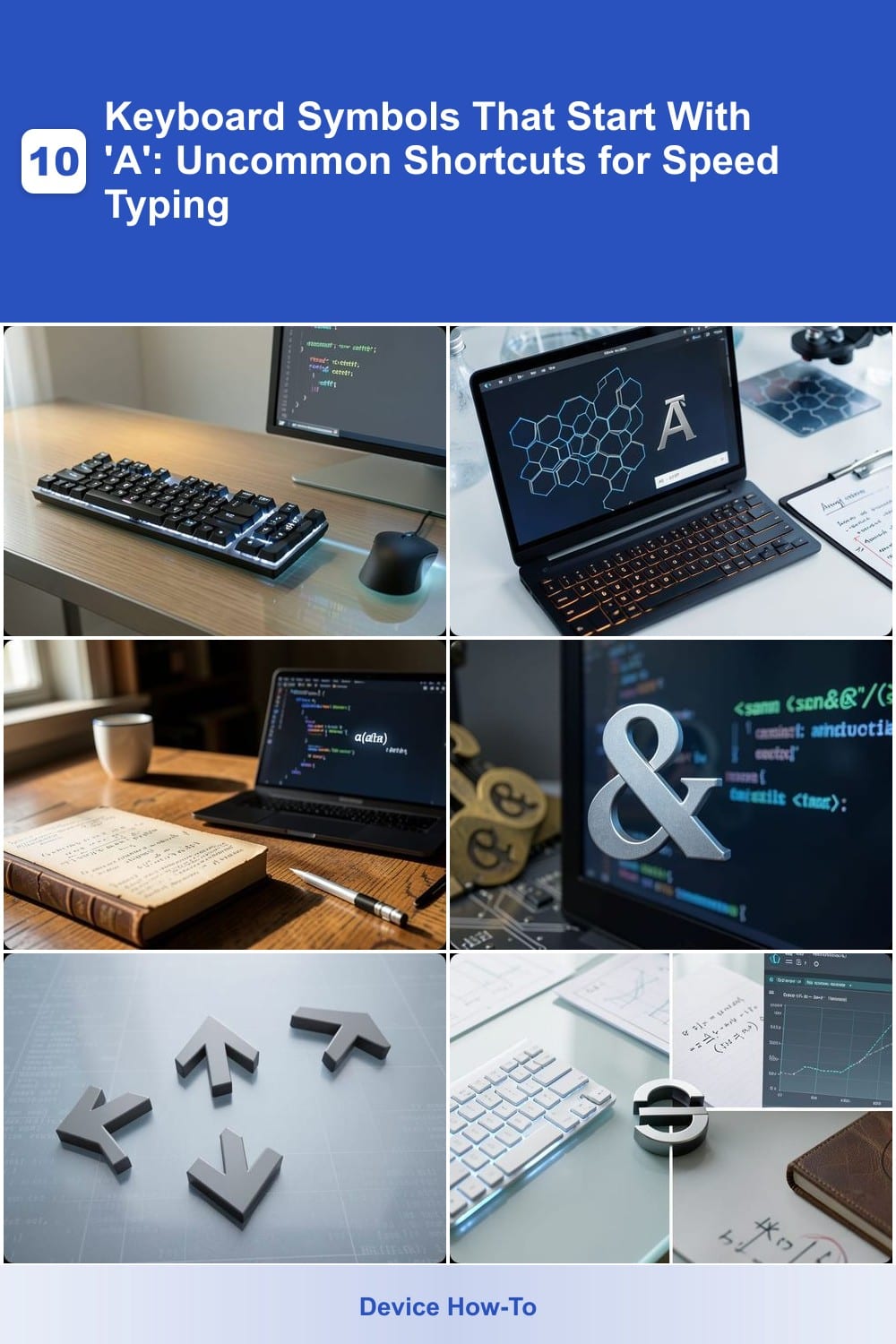
10 Keyboard Symbols That Start With "A": Uncommon Shortcuts for Speed Typing

October 15, 2026 by Loretta Rasmussen
10 Keyboard Symbols That Start With "A": Uncommon Shortcuts for Speed Typing

Mastering uncommon keyboard symbols can drastically improve your typing speed and productivity. These 10 underused symbols starting with 'A'—from accent marks to mathematical operators—will transform how you work in…

Read more

Categories Tip & Trick

Media Feature Pack for Windows 11: Direct Download and Installation Steps for Full Compatibility

October 15, 2026 by Loretta Rasmussen
Media Feature Pack for Windows 11: Direct Download and Installation Steps for Full Compatibility

Downloading the Windows 11 Media Feature Pack officially unlocks Dolby Vision, DirectStorage, and other pro-level multimedia tools—but finding the right source can feel like hunting for a needle. Microsoft’s official…

Read more

Categories Windows

10 Microsoft IIS/10.0 Vulnerabilities: Critical Exploits Every Admin Must Monitor

October 15, 2026 by Loretta Rasmussen
10 Microsoft IIS/10.0 Vulnerabilities: Critical Exploits Every Admin Must Monitor

Microsoft IIS 10.0 powers critical enterprise infrastructure, but its vulnerabilities pose severe risks. These 10 exploits—from remote code execution to privilege escalation—demonstrate why admins must prioritize…

Read more

Categories Troubleshooting
Page1…Page7Page8Page9Page10Page11…Page17Next →

About Me

Loretta Rasmussen

Loretta Rasmussen
My first computer was a clunky desktop my dad built from spare parts in our garage, and I spent more time fixing it than actually using it. That experience taught me two things: technology is full of surprises, and the best solutions often come from understanding how things *really* work—not just what the manual says. This site is where I share those lessons, whether it’s troubleshooting a stubborn PC, mastering a new tool, or just making tech less intimidating for everyday users.

Learn more

Recent Posts

  • 10 New Features of SQL Server 2012: Game-Changing Tools for Modern Developers
    10 New Features of SQL Server 2012: Game-Changing Tools for Modern Developers
  • Microsoft Wireless Display Adapter App: Direct Download for Legacy Systems Without Store
    Microsoft Wireless Display Adapter App: Direct Download for Legacy Systems Without Store
  • Windows Phone Music Download: Legacy-Friendly ISO Transfer Guide
    Windows Phone Music Download: Legacy-Friendly ISO Transfer Guide
  • Automatically Download Bank Transactions to Excel: Zero-Click Import for Error-Free Data
    Automatically Download Bank Transactions to Excel: Zero-Click Import for Error-Free Data
  • How to Install Onenote for Windows 10: Seamless Cloud Sync With Local Offline Access
    How to Install Onenote for Windows 10: Seamless Cloud Sync With Local Offline Access
  • All Guides
  • About
  • Contact
  • Privacy Policy
  • Cookie Policy
  • Terms of Use
© 2026 devicehowto.click